
Drumming Tips: Recording With A Click Track
Recording with a click track can feel awkward at first, but once you master it you’ll play tighter, edit faster, and make mixes happier. Press play and read on.
Table of contents
What is a click track?
A click track is a steady timing reference (audible or visual) used during practice and tracking. Drummers use it to internalize tempo, stay consistent through meter/tempo changes, and make editing/overdubs easier. Modern DAWs include metronomes; there are online metronomes and great apps, too.
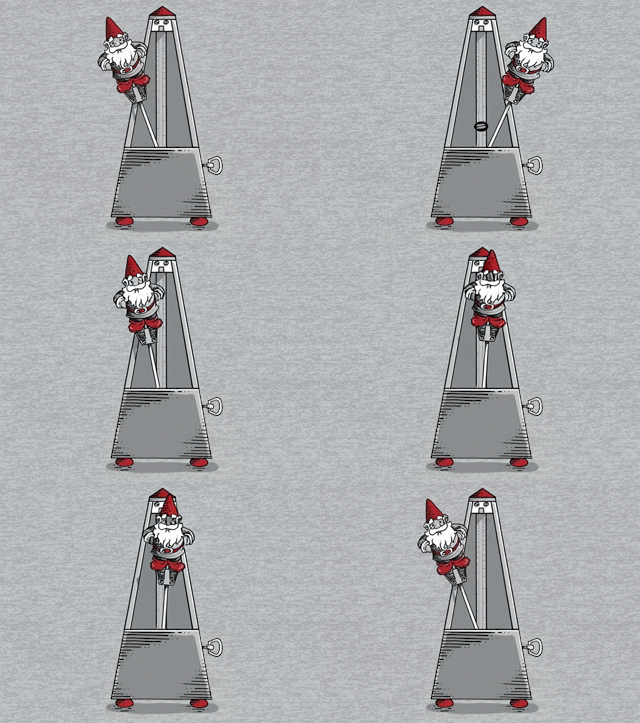
Metrognome Design by Ian Leino
A weird little history (optional)
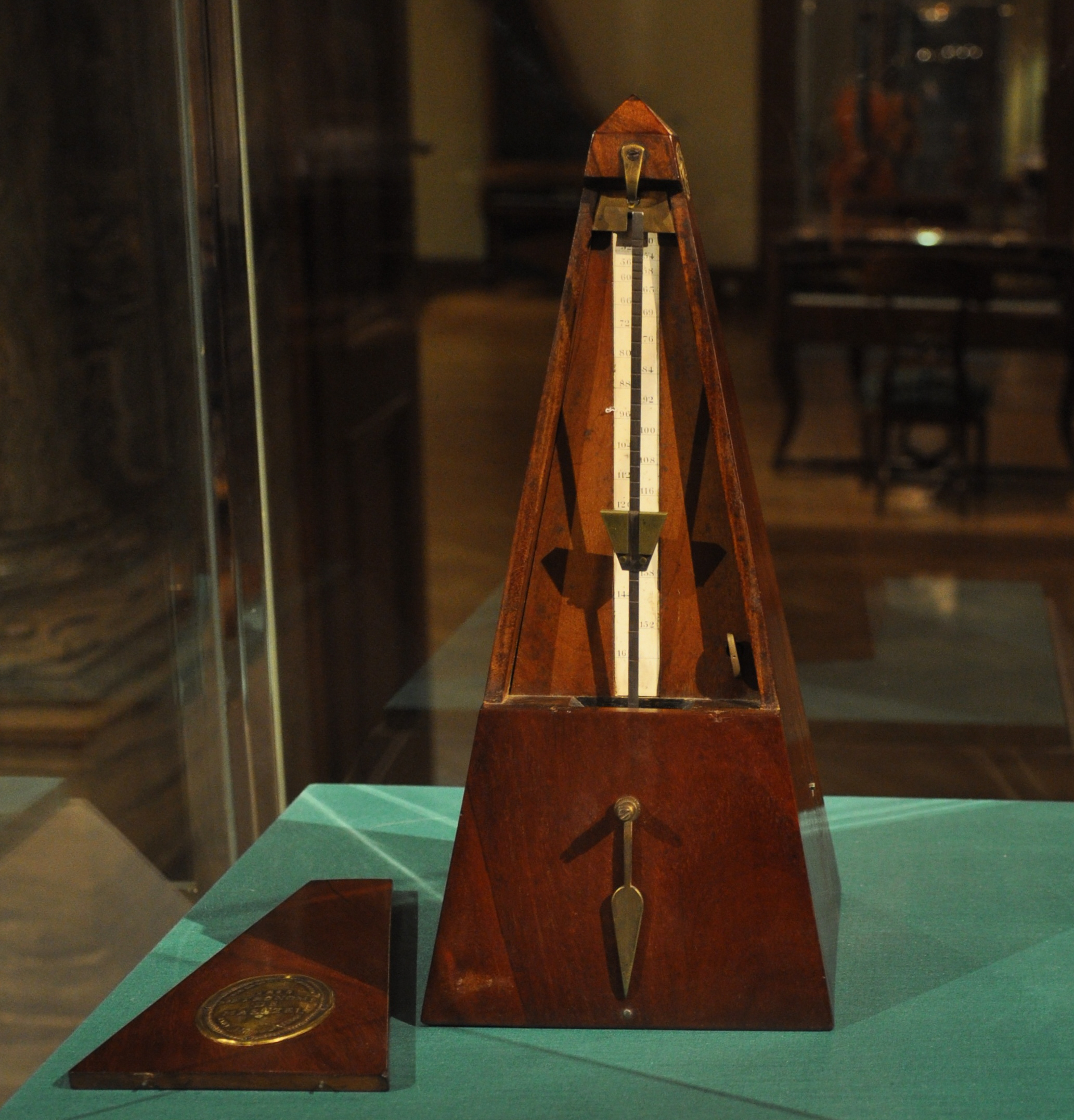
Mechanical metronomes were popularized in the 1800s. The inventor Johann Maelzel (of Panharmonicon fame) promoted them widely, even intersecting with Beethoven. For the curious:
Mechanical Metronome
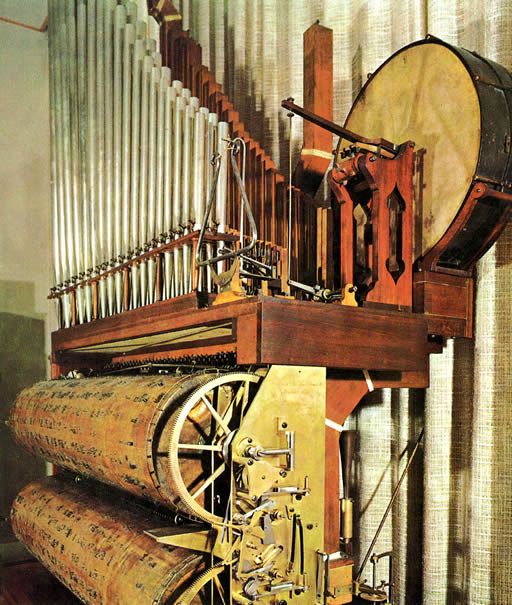
And the earlier Componium (1821):
The Componium: Invented by Dietrich Nikolaus Winkel
Why record with a click track?
The typical reason you record with a click is to perform with consistent tempo and timing, especially useful for editing, overdubs, and programming. It also helps when:
- You’re sending drums to another producer – tempo maps make syncing and editing painless.
- You expect remixes/mashups – locked BPM is a gift.
- Arrangements are complex – meter/tempo changes can be followed confidently.
DAW: Digital Audio Workstation

Most DAWs have a built-in click and allow custom sounds, accent beats, count-ins, and automation.
Practice strategies that work
If you’re new to recording with a click track, you may initially lag behind because you wait to hear the click before striking. Instead, internalize the pulse so the click “disappears” into your notes when you’re dead on.
- Subdivide mentally. At 50 BPM, subdivide in 8ths/16ths to keep the grid stable in your head.
- Mute game. Play with the click for a few bars, mute it for 2 bars, unmute – see how close you land. Easy to automate in a DAW.
- Record your practice. Note patterns (rushing fills, dragging endings) and target them.
Check your timing using the following website app:

Headphones & monitoring
- Pick the right cans. IEMs (great isolation), earbuds (watch volume), open/closed/semi-open studio headphones (balance bleed vs. isolation). Bring a pair you know and trust.
- Dial your mix. Strip clutter. Turn down anything you don’t need. Solo key cues as needed.
- Split approach. Some prefer click in one ear, mix in the other – try it and see.
- Click sound choice. Clave, stick, cowbell, or a soft tick – EQ if a frequency is fatiguing. Count-ins and accented beats help.
- Scratch-then-retrack. Track a scratch with click, then retrack to your scratch for a more natural feel if needed.
Studio tips with the click
- Start moderate volume. If the click is too loud, you’ll overplay; too quiet, you’ll chase it.
- Use room-aware tuning. Let shells acclimate; expect to retune after warm-up.
- Mark tempo maps. Note ritards/accels and meter changes in the DAW ahead of time.
- Communicate early. If the headphone mix or click sound fights you, tell the engineer ASAP.
- When to skip the click. Ballads or highly elastic feels sometimes breathe better without it – decide per song.
Volume & hearing safety
Do not crank the click to overpower your kit. Protect your ears. Typical drum/cymbal peaks are 102–125 dB; Tinnitus (ringing in the ears) is no joke and not to be worn like a badge of honor. Consider musician plugs or IEMs with safe gain structure. Learn more via NIH on noise-induced hearing loss.
Quick FAQ
Should I always record with a click? No. Use it when editing/overdubs benefit, or when arrangements require it. Turn it off if it harms the feel.
How loud should the click be? Just loud enough to reference without fatigue – if you can’t “forget” it occasionally, it might be too loud or the sound choice is wrong.
Does a click make performances robotic? Only if you let it. With practice, the click becomes a guide while your dynamics and phrasing stay human.
Related: 20 Essential Tips for Drummers • Drumming Is Dangerous